


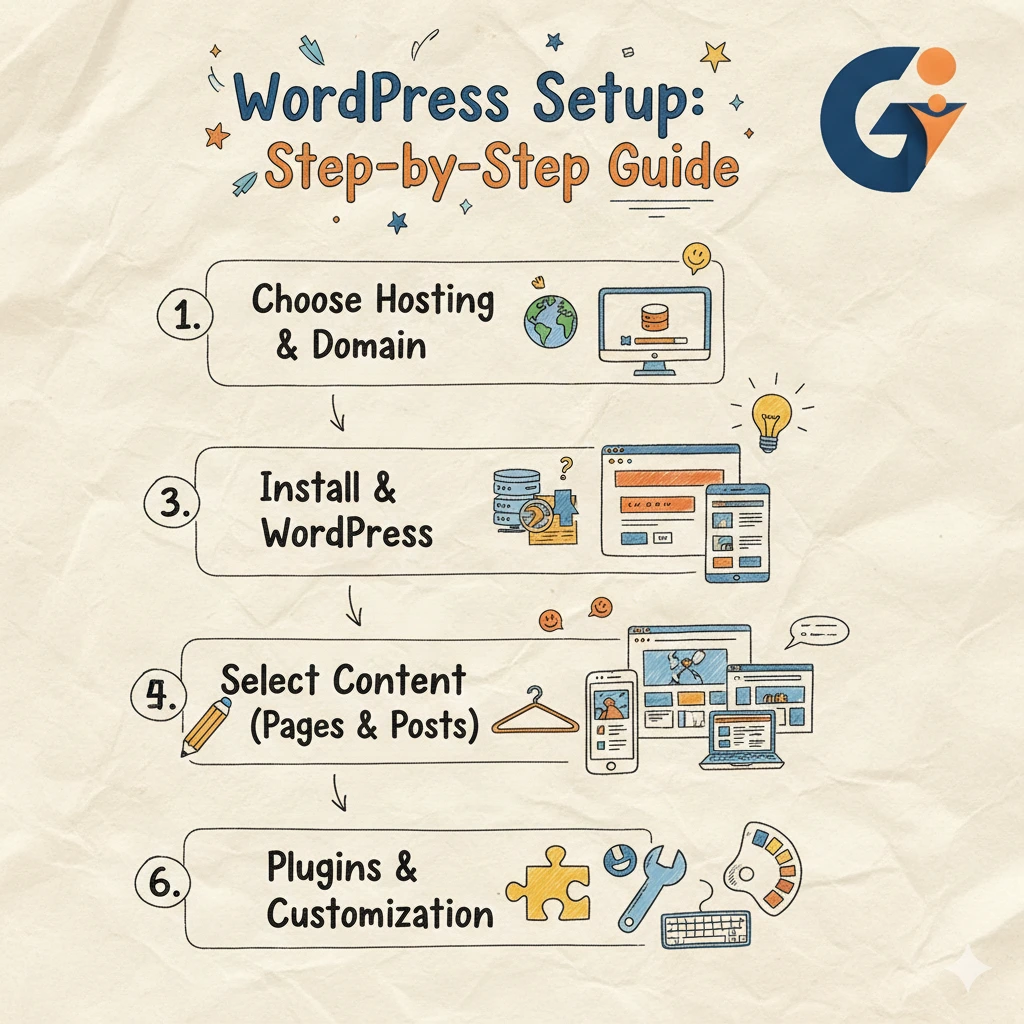
For most new businesses today, a website is not optional. It is often the first place potential customers learn about your brand, services, and credibility. Yet many new business owners feel unsure when it comes to building a website. Technical terms, hosting decisions, and design choices can quickly become confusing. This is why one of the most searched questions online is how to set up WordPress site correctly without making costly mistakes.
WordPress has become the preferred platform for businesses because it balances ease of use with long-term flexibility. You do not need to be a developer to get started, but you do need a clear process. A poorly set-up website can be slow, insecure, and difficult to grow, while a properly configured WordPress site can support marketing, customer trust, and business growth from day one. This guide is written to help new business owners understand each step clearly and build a WordPress site that is professional, reliable, and ready to grow.
Why WordPress Is a Smart Choice for Business Websites
WordPress is trusted by millions of businesses worldwide because it adapts to different needs. Whether you are running a service-based company, a local business, a food venture, or a growing startup, WordPress can support your goals.
One major advantage is ownership and control. You are not locked into a single provider or system. You can customize your site, add features over time, and scale without rebuilding everything. WordPress is also search-engine friendly, which helps businesses appear on Google when customers are actively looking for services.
What You Need Before You Set Up a WordPress Site
Before starting the installation, it is important to prepare a few essentials. Many beginners rush into setup and later realize they need to redo important parts.
You should start with a clear domain name that matches your brand and is easy to remember. Choosing a reliable hosting provider is equally important because hosting affects website speed, security, and uptime. It also helps to be clear about your business goals, your target audience, and the main purpose of your website. Even simple planning at this stage can prevent confusion later.
How to Set Up WordPress Site Step by Step
Understanding how to set up WordPress site becomes much easier when the process is broken down into simple steps. Most hosting providers now offer one-click WordPress installation, which removes the need for technical knowledge.
After installation, you will receive access to the WordPress dashboard. This is where you control your website’s content, design, and settings. The first thing you should do is update WordPress to the latest version and set your site title and tagline. These details are visible to search engines and visitors, so they should clearly represent your business.
Choosing the Right Theme for Your Business
Your theme determines how your website looks and how visitors experience it. For business websites, clarity and performance matter more than visual complexity.
A good theme should be mobile-friendly, load quickly, and allow easy customization. Many new business owners choose themes based only on appearance, but performance and usability are just as important. A clean, professional theme builds trust and makes it easier for visitors to understand your services.
Essential WordPress Settings You Should Configure Early
Once your theme is installed, it is important to adjust a few core settings. These settings improve usability, SEO, and overall website stability.
Setting your website’s URL structure to a clean format helps search engines understand your pages better. Timezone and language settings ensure content is published correctly. Managing user roles is also important if more than one person works on the site. These steps may seem small, but they create a strong foundation.
Plugins That Help Your Website Perform Better
Plugins add extra features to WordPress, but using too many can slow down your site. The goal is to choose only what supports your business.
Most business websites need plugins for search engine optimization, security, website speed, and backups. These plugins help protect your site, improve visibility on Google, and ensure your data is safe. A well-chosen plugin setup keeps your site efficient and easy to manage.
Creating the Right Pages for a Business Website
After the technical setup, content becomes the most important part of your WordPress site. Your website should clearly answer three questions for visitors: who you are, what you offer, and how they can contact you.
A strong homepage introduces your business and explains your value. An about page builds trust by sharing your story and experience. A services page explains how you help customers solve their problems. A contact page should make it easy for visitors to reach you without confusion. Clear content often converts better than complex design.
Common Mistakes New Business Owners Make With WordPress
Many new business owners make similar mistakes when learning how to set up WordPress site for the first time. One common issue is ignoring security and backups until something goes wrong. Another is installing too many plugins without understanding their impact on performance.
Some businesses also rely entirely on free themes or skip basic SEO practices, which limits their website’s potential. Understanding these mistakes early helps you avoid future costs and technical issues.
When Professional Web Development Support Makes Sense
WordPress is beginner-friendly, but growing businesses often need more than a basic setup. As your business expands, your website may need better performance, custom features, and deeper integration with marketing tools.
Professional web design and development services can help ensure your WordPress site is optimized for speed, security, and scalability. Whether it involves WordPress development, custom web solutions, MERN stack development, or app development, expert support helps align your website with real business goals rather than treating it as just an online presence.
Using WordPress as a Long-Term Growth Platform
A properly built WordPress site is more than a digital brochure. It can support lead generation, digital marketing, content strategy, and performance tracking. For small and medium business owners, having one structured system for website and marketing simplifies decision-making and improves results.
When your website, SEO, and digital strategy work together, your online presence becomes a measurable business asset instead of a recurring challenge.
Conclusion
Learning how to set up WordPress site the right way gives new business owners a strong and reliable foundation online. From choosing hosting and installing WordPress to configuring settings and creating meaningful content, each step plays a role in your website’s success.
WordPress offers flexibility and control, but its real value comes from thoughtful setup and consistent improvement. When done correctly, your website supports trust, visibility, and growth. If you take the time to build it properly, your WordPress site can grow alongside your business and continue delivering value well into the future.